3D / 2D scene
Watch the mission on the globe or the map
The centre of Design is the live Earth view: spacecraft trajectories and models, ground assets, sensor swaths, and analysis overlays when results exist.
Apply Changes on an asset or the scenario updates this view. Use Refresh All in the top bar only if the whole scene looks out of date.
Open Web App · first walkthrough: Create your first mission
3D and 2D
The globe button on the playback bar switches 3D and 2D (map). Click again to return. The choice is remembered in the browser.
Both views show the day/night terminator. Play the scenario and the shadow moves with UTC time.
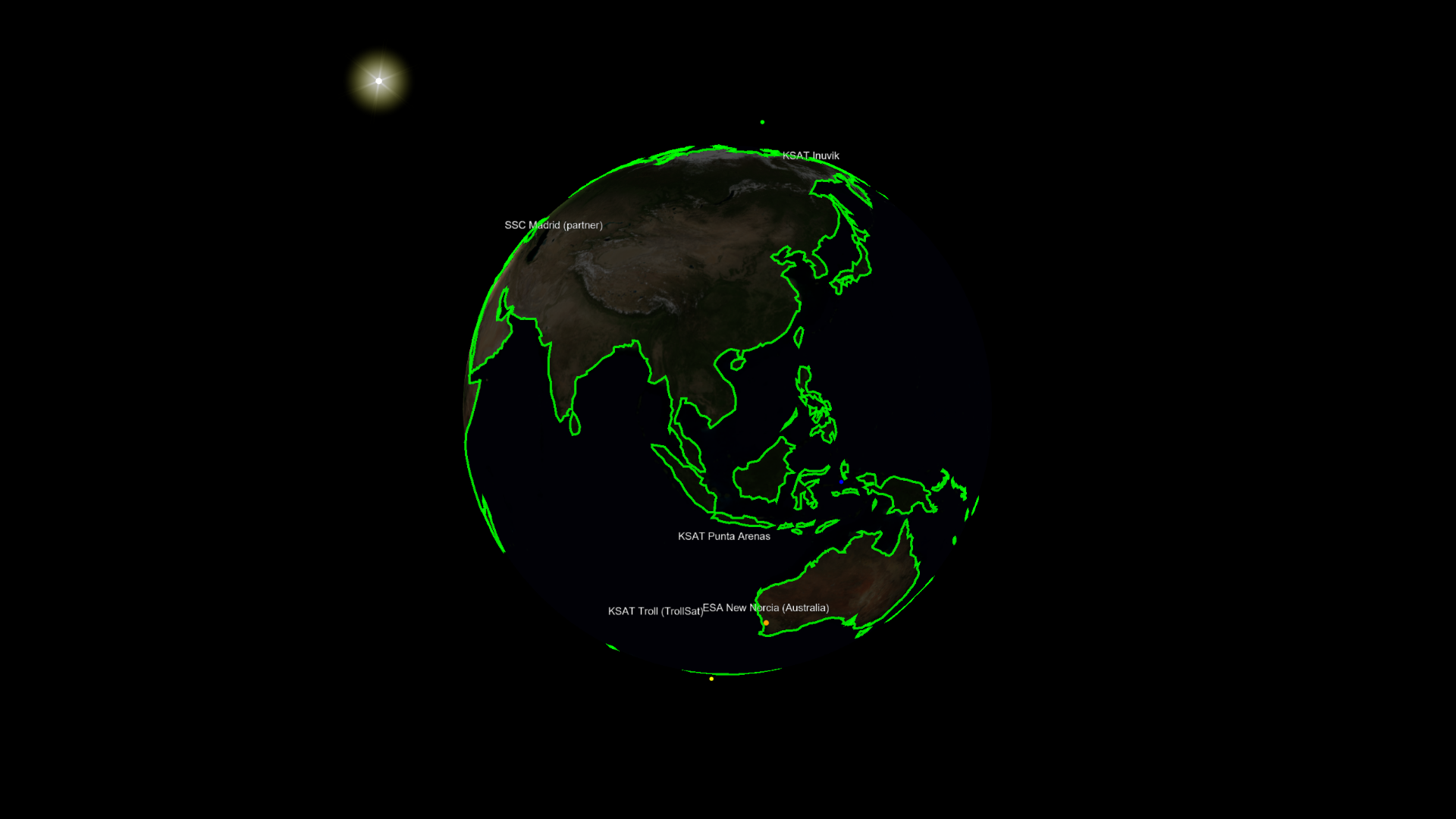
3D globe — lighting and terminator on the Earth.
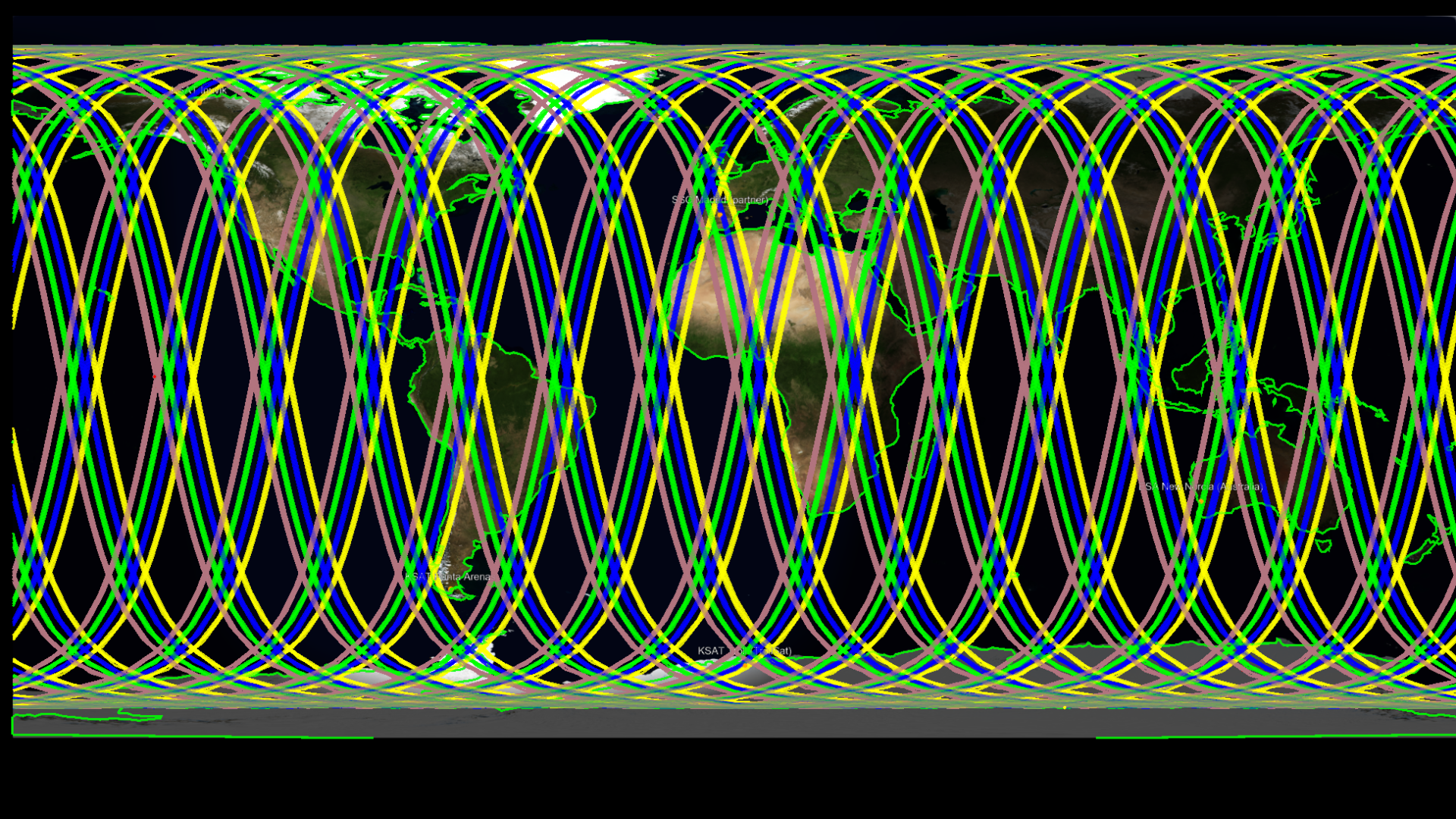
2D map — the same day/night shadow after toggling the globe button.
On Desktop, 3D and 2D are separate Mission Viewer windows rather than a single toggle. Same mission, same idea.
Playback
The bar at the bottom of the globe (Web) or in the viewer header (Desktop):
| Control | What it does |
|---|---|
| ≪ / ≫ | Slow down / speed up (1x, 2x, 4x, … — the badge shows the multiplier) |
| ◀ | Play in reverse |
| Pause | Stop at the current time |
| ▶ | Play forward |
| ■ | Stop and jump to scenario start |
| UTC | Current time (YYYY-MM-DD HH:mm:ss). Edit and press Enter to jump |
| Home | Default camera |
| Camera | PNG screenshot of the view |
| Film | Start or stop a recording of the scene |
| Globe | 3D ↔ 2D (Web) |

Playback, UTC, camera tools, and 2D/3D toggle.
Orbit the globe with left-drag and zoom with the wheel. Right-click a spacecraft marker to follow it; the 3D model appears while it is tracked (untracked spacecraft stay as markers).
Display options (Scenario)
Lighting, Earth imagery, Sun/Moon in the scene, equatorial plane, graticule, and spacecraft debug axes are not on this toolbar. They live on the Scenario asset:
- Web: Mission Tree → Scenario → 3D Viewer / 2D Viewer. Changes apply immediately.
- Desktop: Settings on the Mission Viewer header (the 3D window vs the 2D window shows the matching subset). The 3D header also has N / S / W (look from north, south, west).
Full field list: Scenario.