Get started
From zero to a living mission
Welcome to ASTROLAB — STELLOR’s Digital Mission Engineering Platform for Space Systems. This section gets you signed in on the Web, into a first cloud mission, and ready for system-level analysis.
Open Web App · Account & Trial · Create your first mission
Three steps
flowchart LR
  A["1 · Sign in / Trial"] --> B["2 · First mission"]
B --> C["3 · Run an analysis"]| Step | What you do | Guide |
|---|---|---|
| 1 | Open the Web app, create an account, start the Trial | Account and access |
| 2 | Create a mission, add a spacecraft, refresh the 3D scene, save | Create your first mission |
| 3 | Build the LEO optical mission | Tutorials |
Desktop users: same mission ideas (tree → properties → apply → save). Install and differences are under Platforms.
See where you land
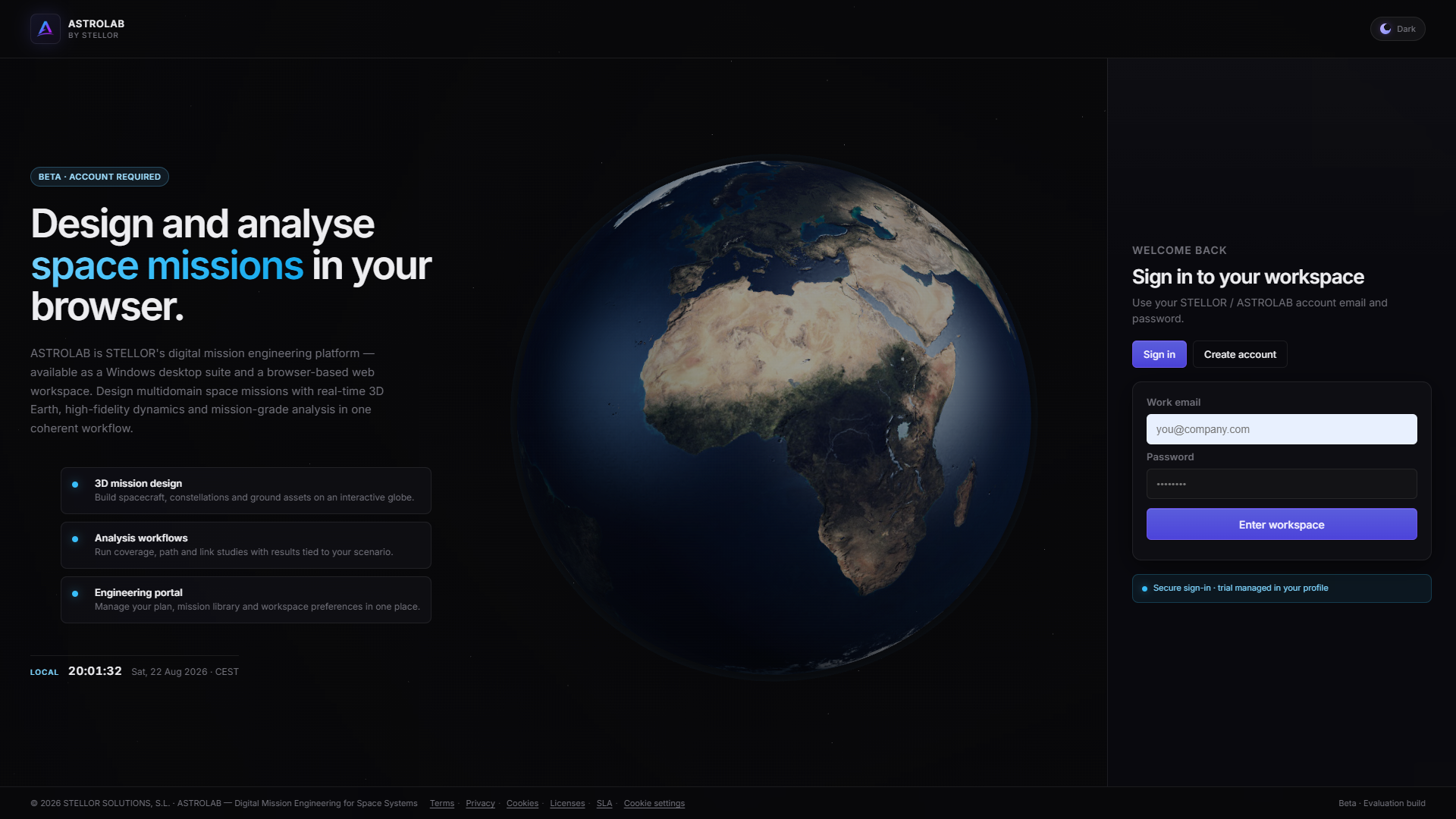
Step 1 — Welcome / sign-in on the Web.
Beta 0.1.0 · Web first
Get started assumes ASTROLAB Web at astrolab.stellor.space. This is the first Evaluation Build — Release notes · Beta 0.1.0. Trial limits: Account and access · Plans and entitlements.