Platforms
One product, two ways to work
ASTROLAB is STELLOR’s Digital Mission Engineering Platform for Space Systems. You can work in the Web application or in the Desktop application. Both use the same mission model: the same tree, the same assets, the same analyses, and the same .astrolab file.
Open Web App · Get started · Create your first mission
flowchart TB
  Core["Shared ASTROLAB core<br/>mission model · analyses · 3D / 2D scene"]
  Core --> Desktop["Desktop"]
  Core --> Web["Web"]
Which platform should I use?
| Web | Desktop | |
|---|---|---|
| How you open it | Browser — astrolab.stellor.space | Native application installed by STELLOR |
| Best for | Access from any workstation, Trial evaluation, cloud library | Dedicated engineering sessions, offline work |
| Sign-in | Account required | Local workspace (no Web account required) |
| Where missions live | Cloud library on your account, plus .astrolab import / export |
Files on disk (.astrolab) |
| Where analyses run | STELLOR cloud | On your machine |
| Layout | Three-column Design workspace; compact layout on tablet and phone | Native Mission Tree, Properties, and Mission Viewer windows |
Choose Web if you are starting a Trial or you want the same mission on any computer. Choose Desktop if your organisation has issued the native application and you need long, local analysis sessions.
Either way, the daily loop is the same: edit the tree → Apply Changes → inspect the scene → run analyses → review results in Dashboard.
See the product
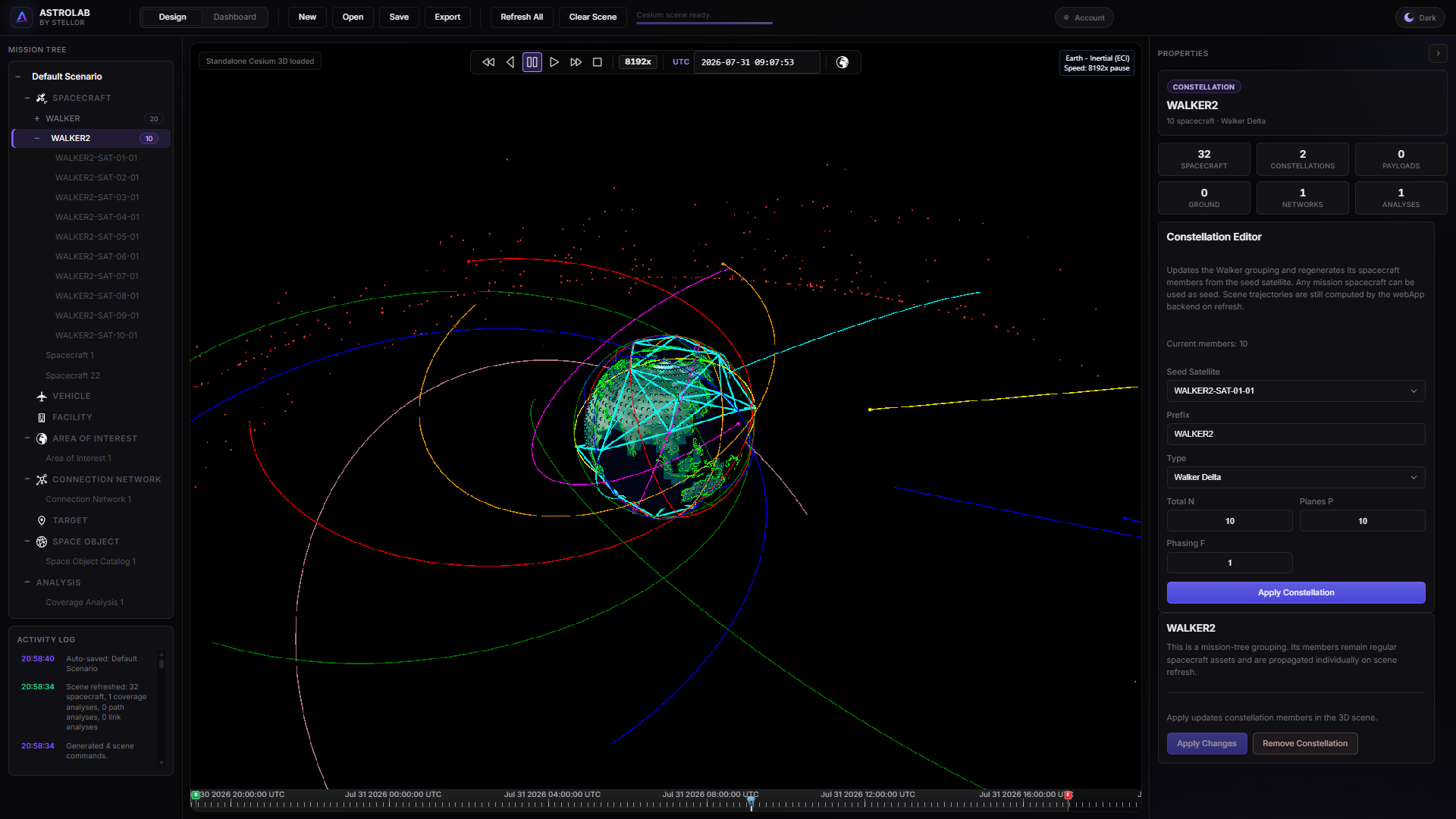
Web — Mission Tree, 3D scene, and Properties in the browser.
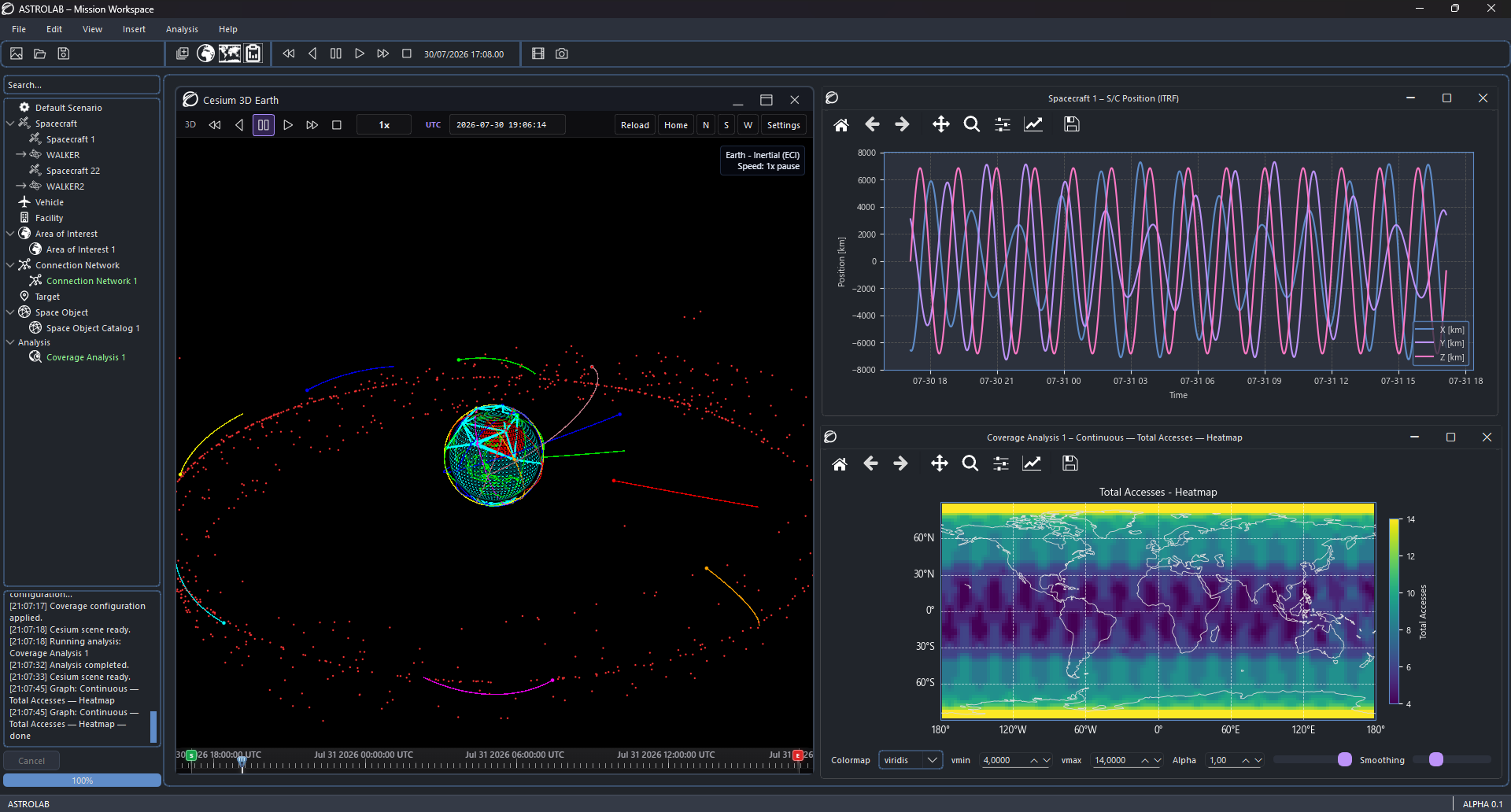
Desktop — native workspace with Mission Viewer, plots, and analysis results.
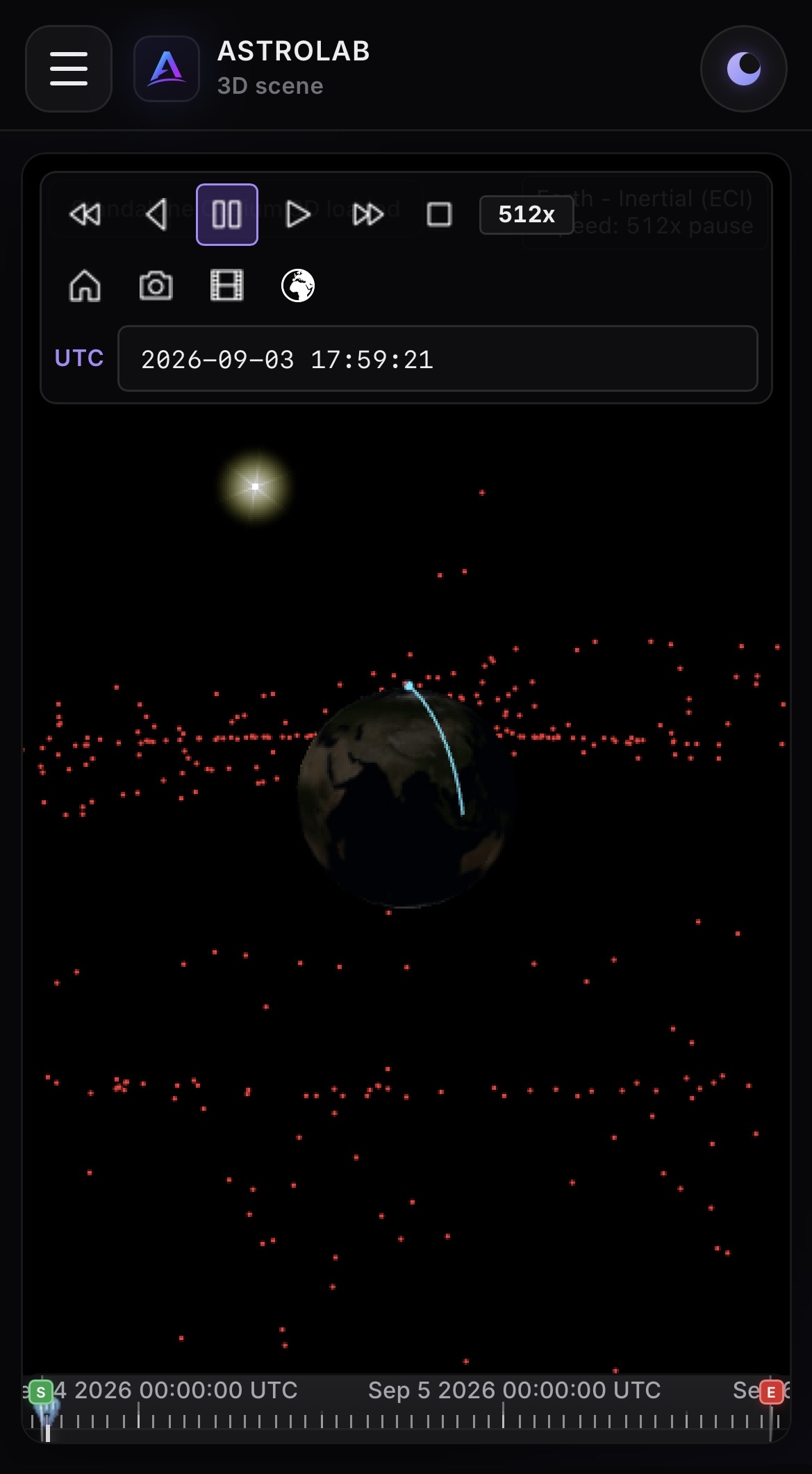
Web on phone — one primary view at a time (here the 3D scene).
Shared by both
- Mission Tree and Properties
- Scenario window, time step, and Apply
- 3D globe and 2D map of the same mission
- Coverage, link, power, lifetime, station keeping, and the rest of the analysis catalogue
- ReportGraph plots and tables
- Exchange via
.astrolab
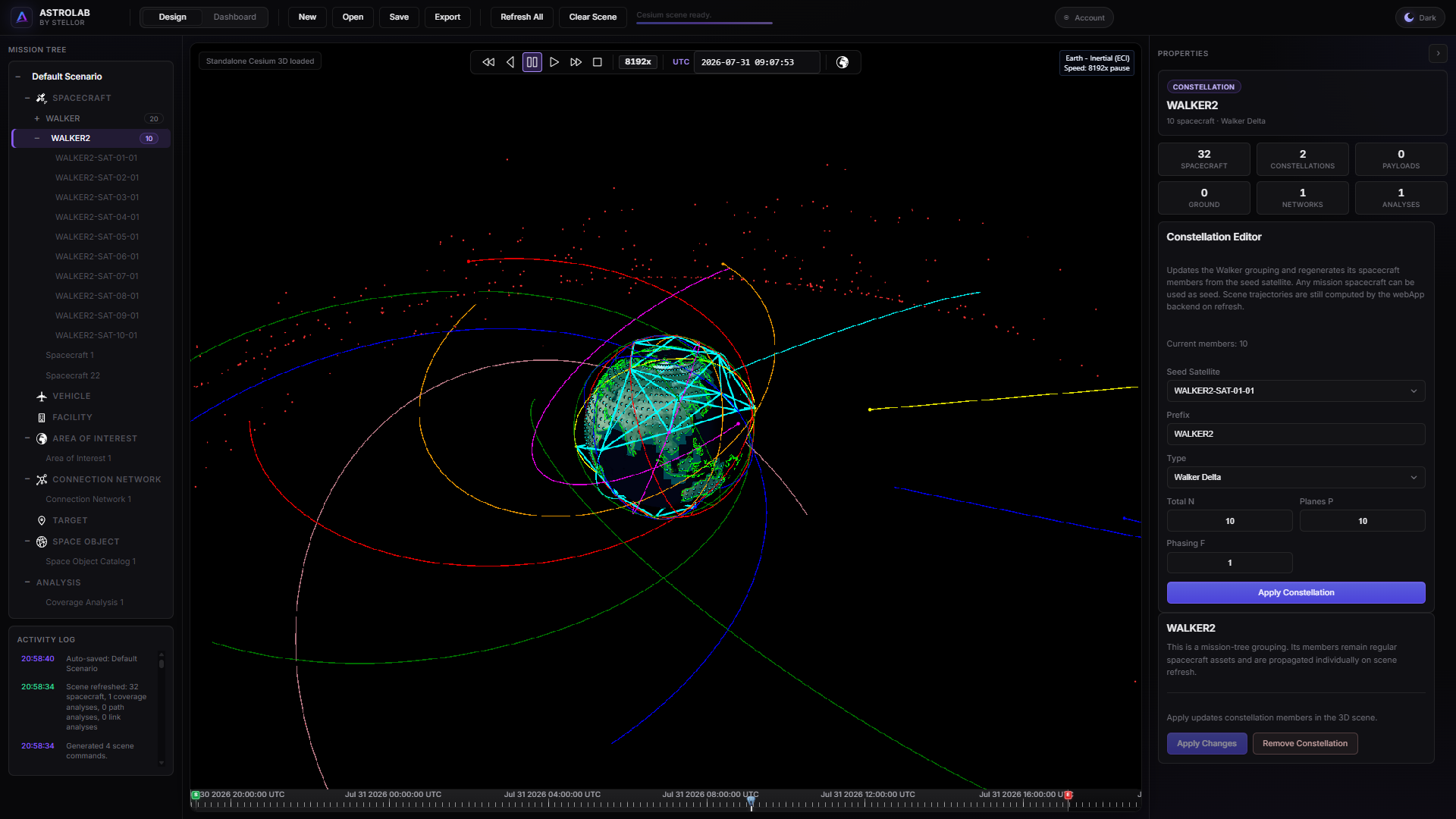
Web Design workspace — Mission Tree, 3D scene, and Properties. Desktop follows the same mission ideas.
Move a mission between platforms
- On Web: Export a
.astrolabfile from the mission library or the workspace. - On Desktop: Open that file.
- The other direction works the same: save on Desktop, Import on Web.
Keep format_version and asset types aligned by always using .astrolab rather than copying raw JSON by hand.
Next
| If you are here to… | Go to |
|---|---|
| Create an account and start the Trial | Account and access |
| Build a first spacecraft on Web | Create your first mission |
| Fly a sun-synchronous imager | LEO optical mission |
| Compare hosts in more detail | Desktop vs web |
Beta
ASTROLAB is in Beta. Web plans and scenario limits are described under Account and access.