Account and access
Web Trial and your workspace
ASTROLAB Web uses a signed-in account (Supabase Auth). That unlocks cloud missions, the Design / Reporting workspace, and plan limits. Desktop can run locally without this flow; cloud quotas apply to the Web product.
Open Web App · next: Create your first mission
Sign in
- Go to https://astrolab.stellor.space.
- On the welcome screen, choose Sign in or Create account.
- Signup asks for email, password, and confirmation.
- After you confirm email and sign in, the Trial Evaluation Agreement is shown in full. You must scroll, tick the box, and accept (including the €0.00 liability cap) before the workspace opens. The version on the welcome footer is Beta 0.1.0. Re-read what you accepted in Engineering Portal → Preferences.
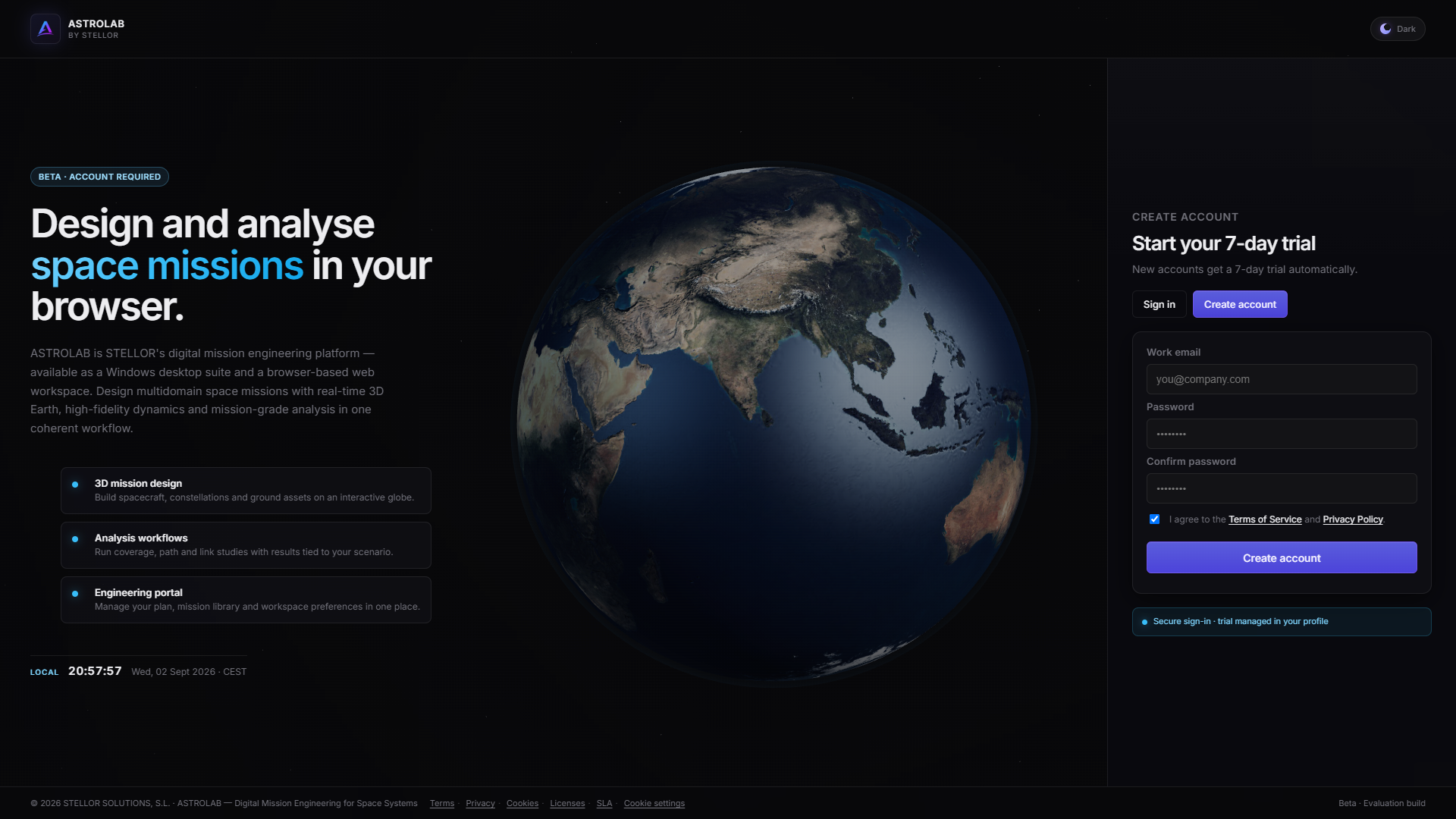
Welcome gate — Create account.
Trial (Web)
New accounts start on a 15-day Trial so you can evaluate system-level analysis in the browser without commitment. No credit card is required — create an account with email and password and the Trial starts automatically.
Duration, how many cloud missions you may store, scenario length, and analysis options are the Trial column in Plans and entitlements. Marketing overview: stellor.space — Licensing.
When you hit a limit, ASTROLAB shows an upgrade prompt. Self-serve checkout for Basic / Pro is Coming Soon on the website; until then, contact STELLOR or use the Portal. Universities and students can request academic access via contact.
Engineering Portal
Open Account / Engineering Portal for:
- Overview and trial countdown
- Mission library (open / save / delete within quota)
- Plan information
- Preferences (theme) and account basics
Details: Engineering Portal.
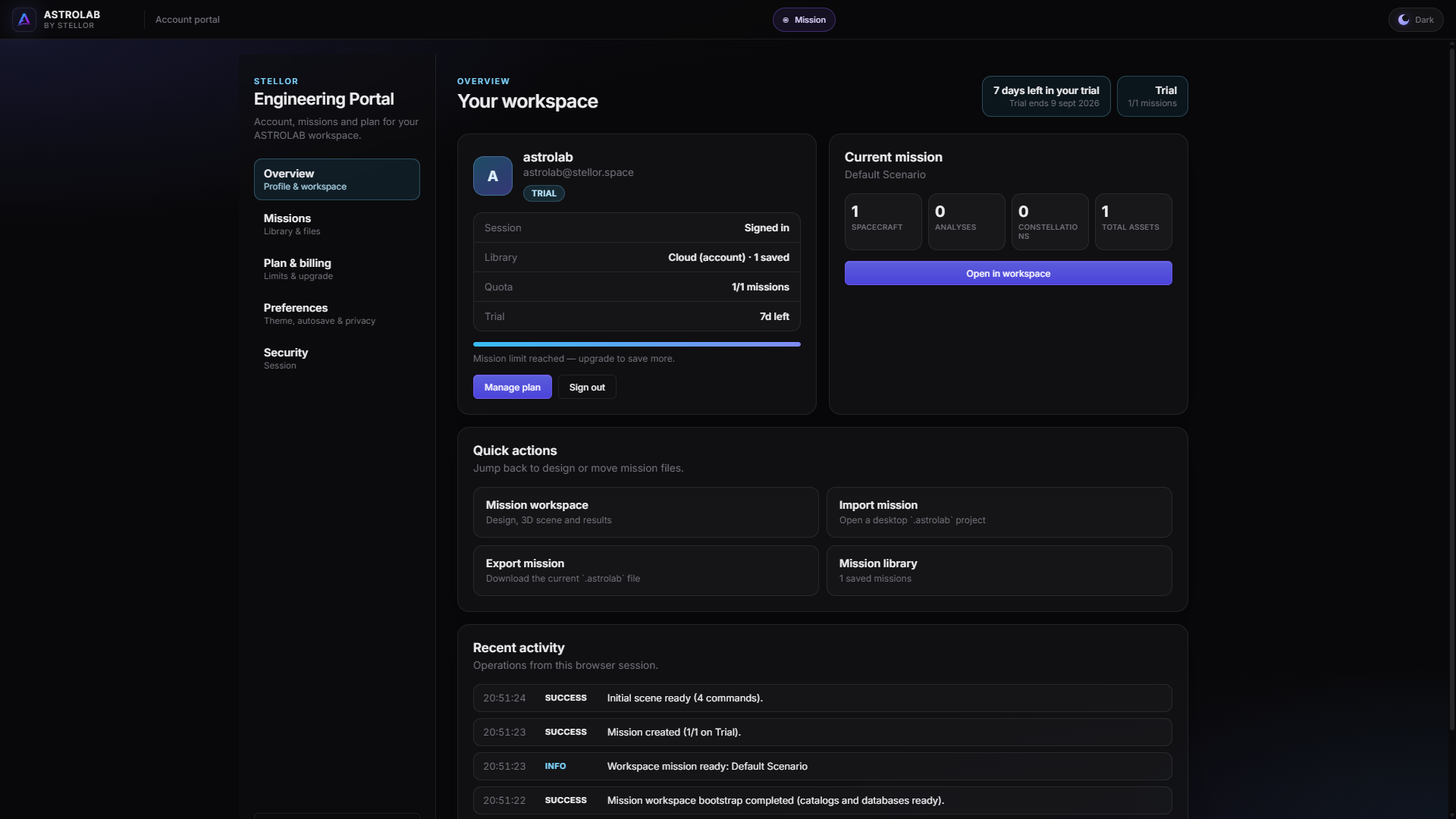
Engineering Portal — overview and missions.